Having access to a physics engine is like opening pandoras box on a project like Static Rectangle (and my ADHD).
There are so many new and cool things it unlocks.
Even simple (and accurate) collision detection leads to real gameplay. Simple shooters and platformers etc. which is something I’ll be experimenting with.
Before that though, I thought I’d muck about making cool scripts.
I cannot explain why, but for some reason fireworks came to mind when I thought about physics, which is pretty strange because there isn’t really much about a (runtime) firework that requires simulation. Unless you want to factor in wind shear and/or particles interacting with each other (which you wouldn’t want to do for this type of effect) the entire thing can be done parametrically.
I made some anyway.
In this example, I am using the physics engine to launch the firework and trigger the explosion once it reaches its apex, but the explodey boom part (I think it’s referred to as the ‘break’) is just in-script logic.
I had to make the collider a ‘sensor’ because they kept colliding with each other, just more evidence on why this doesn’t need to be simulated…
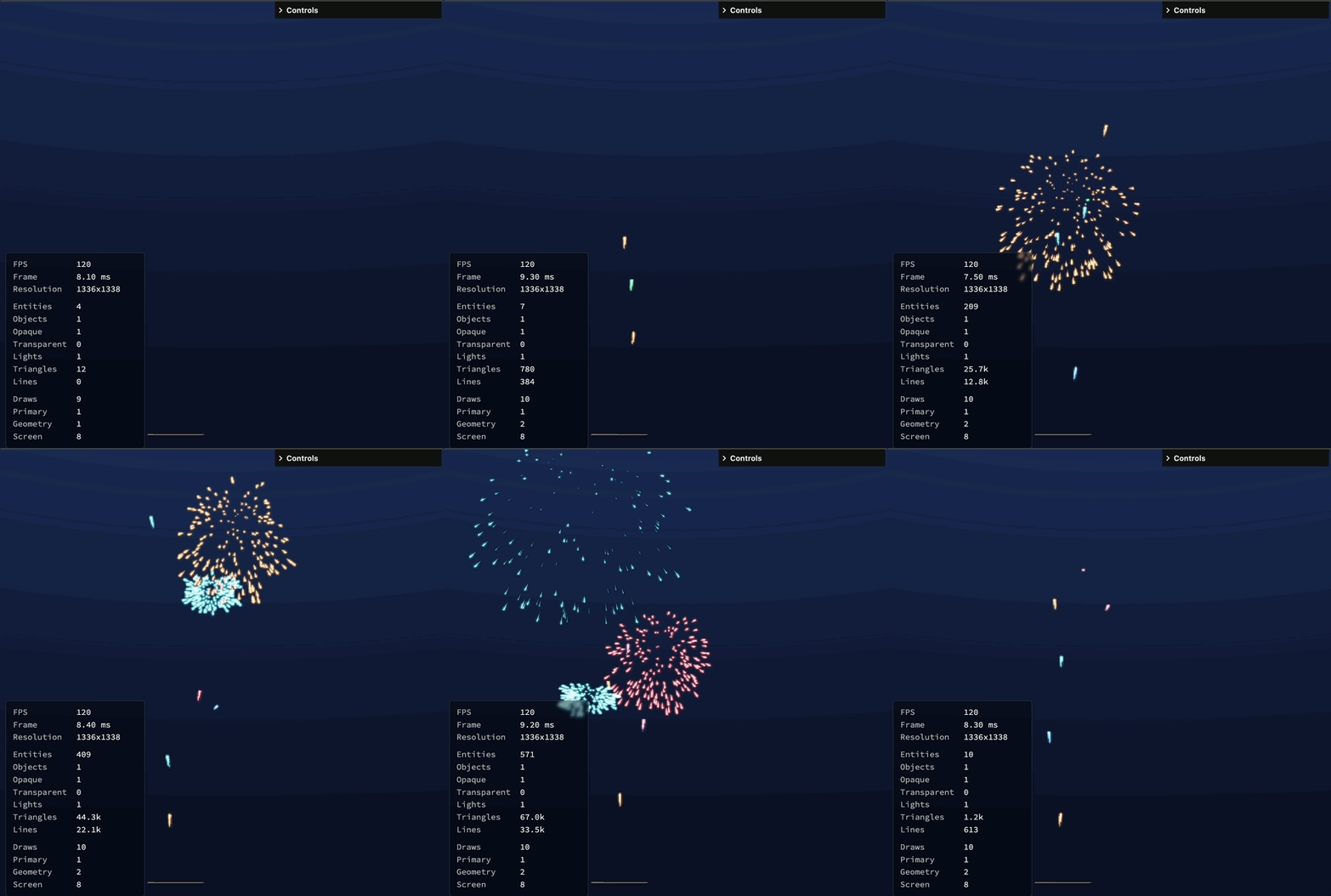
Cool, lets shoot some more.
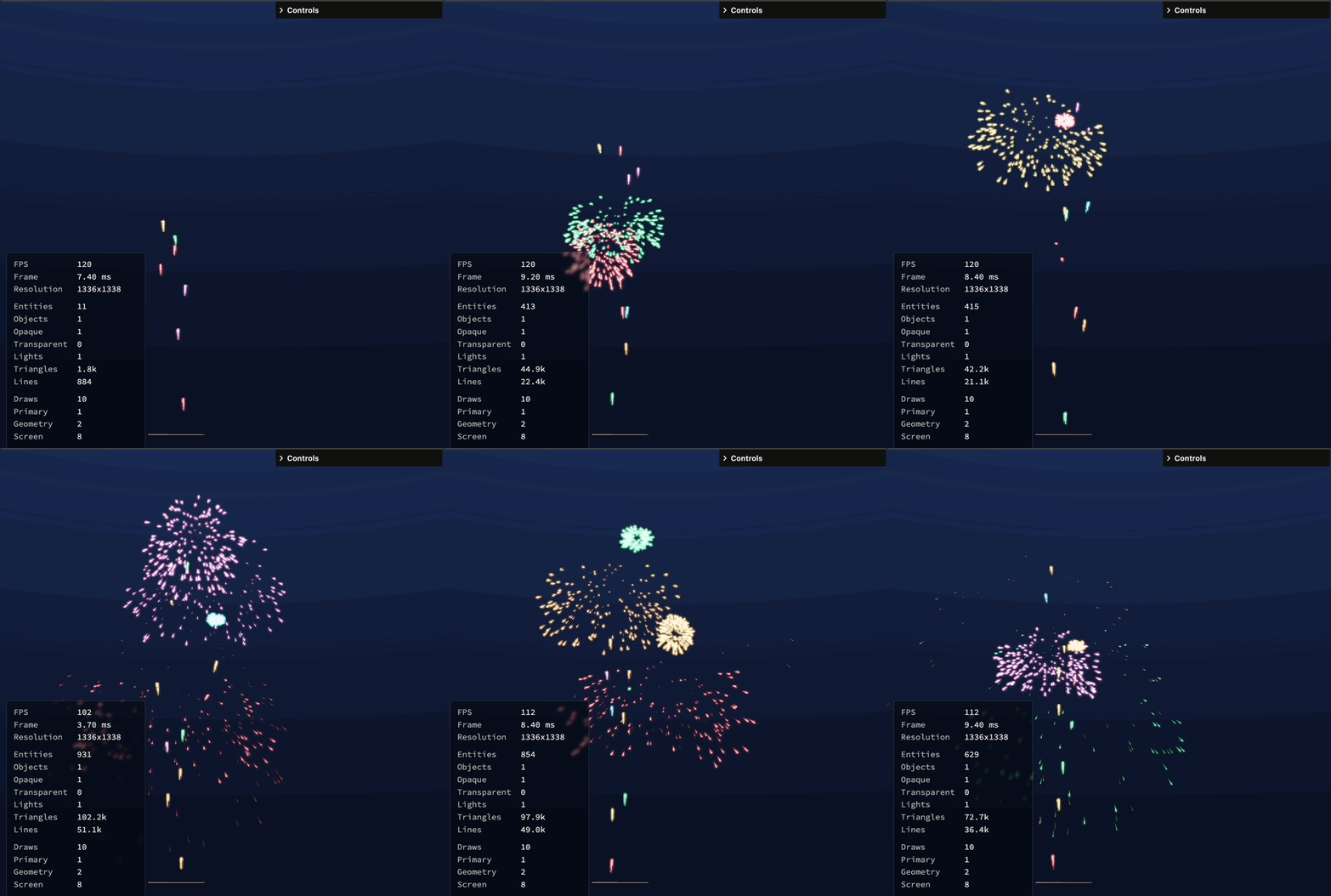
Time for the crescendo!
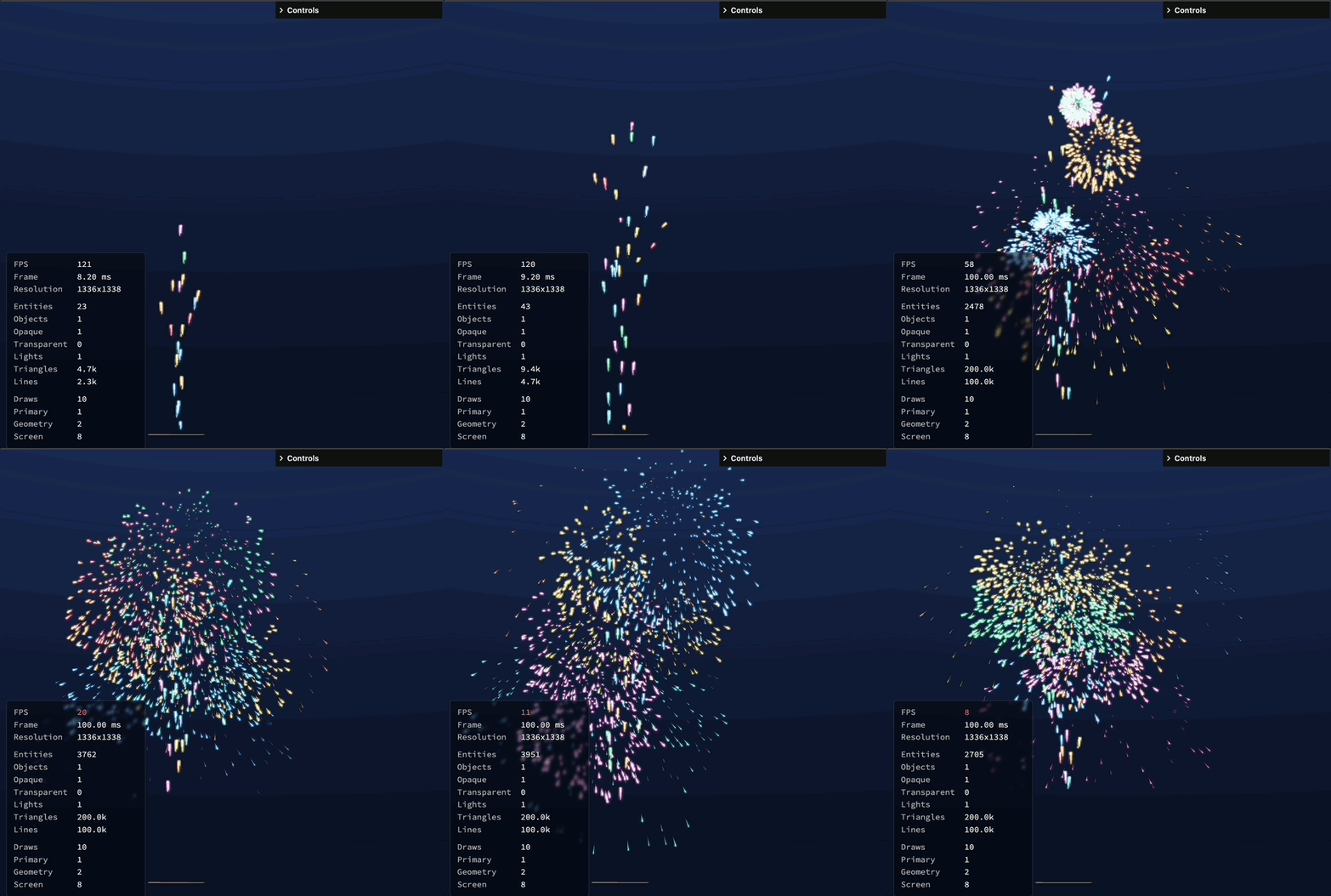
Well, that’s quite an anticlimax.
To Optimsation Stations
So what’s going on?
Are we hitting limits of what SR can do? that is a lot of lines (it’s maxing out at 100k lines which I had set as a limit for the LineSegmentRenderer) and I suppose we are of sorts, but we really shouldn’t be.
So where are the performance bottlenecks? I can tell you straight away it’s not in the renderer, 200k triangles is childs-play for the GPU and on top of that it’s instanced which is why there is only 10 draw calls for all 100k lines (and 4 of those are bloom related).
So it’s in the CPU/engine, but where… the firework is made up of multiple Script components?
Luckily, to find out I don’t have to develop my own profiling tools, your average internet browser comes bundled with them.
For Chrome you can launch Developer Tools (View > Developer > Developer Tools on OSX at least), and record some useful runtime info.
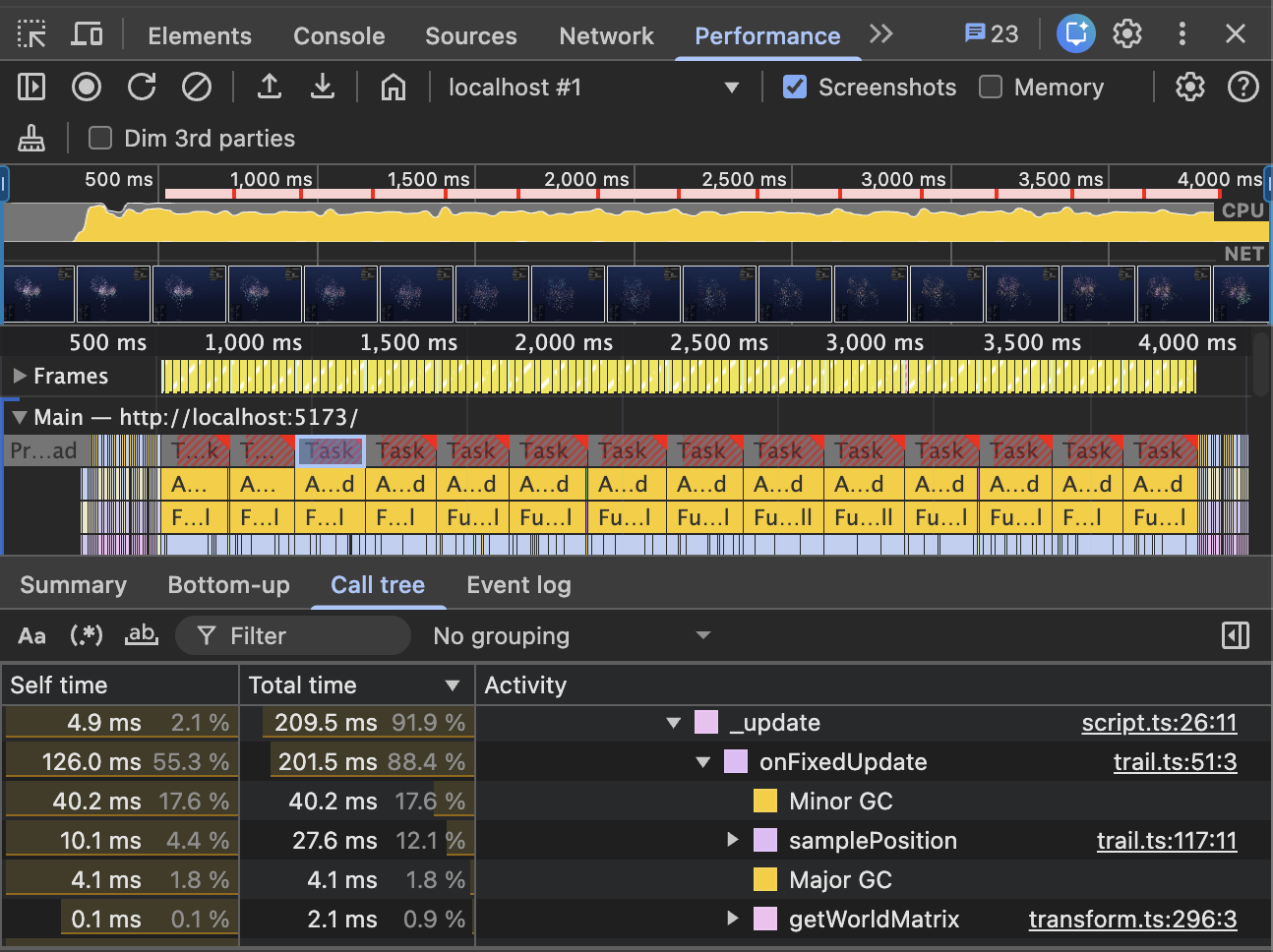
This is pretty telling, when selecting a frame almost all of the time spent is in trail.ts and this does make sense, the Trail script is how we’re currently visualising the firework.
The Hot Path
When I wrote the Trail script, I wasn’t really thinking about trails on 4000+ entities. I was thinking about tracing bullets and lasers and such. So while it appeared to be fine for the <1000 entities, but it wasn’t really.
Looking at the Performance montior, quite a bit of time is spent in ‘Minor’ and ‘Major’ GC (garbage collection), the Minor GC taking most of the time. This tells me that there is a lot of allocation/deallocation of short lifespan objects and looking at the script, sure enough there is.
Packed Line Buffer
The first thing I did was create a PackedLineBuffer this is a new way to provide a LineSegment to the LineSegmentRenderer. Previously, you’d provide the segments in an Array of segments and the LineSegmentRenderer was responsible for packing them to be uploaded. The PackedLineBuffer just cuts out the middle-man so to speak.
This helped, but it didn’t help as much as I was expecting it to.
Ring Buffer
The Trail script works by keeping a history of time/positions and then drawing lines between them with varying properties (width, opacity etc). I was storing these in a dynamically sized array of TrailPoint objects and would have to shift the array (removing the oldest/first) when needing to add a new one when reaching the ‘max length’. Turns out this type of operation is expensive. Looking into it a RingBuffer fit the bill, so I stole this one1. It’s a reusable math utility, so I’ll make use of it elsewhere too I imagine.
This made a big difference, but I wasn’t done yet.
Convenience vs Performance
Throughout the script I was making use of gl-matrix vec3 which has a lot of very helpful convenience functions that result in lots of allocations of new vec3 objects. While these are tiny, allocating new ones and having the old ones garbage collected (by Minor GC) can get costly. So I replaced all of that with scalars and the expanded math forms for features like vec3.scaleAndAdd.
Final Thoughts
There are many different ways you can approach optimisation, and doing it prematurely is generally bad practice2 (though I think ‘root of all evil’ is probably a touch melodramatic).
Tweaking the Trail script for the ‘crescendo’ of a fireworks display is probably a bit silly, I could have made some artistic choices that dropped the object count significantly like less particles, longer minimum distances etc. I imagine most times you’d optimise both directions.
I don’t see there being anything wrong with using gl-matrix’ vec3 in most practical applications though I can’t speak for the real world. If you do need to tune performance of highly iterative code however, it is a place you can get some wins.
There is likely still a lot more here that can be optimised, but I won’t be going overboard with that just yet.